POKE ME for any consultancy

Saturday, April 29, 2023

What is YAML


YAML is a common programing language as a result of it’s human-readable and simple to grasp. It can even be employed in conjunction with different programming languages.
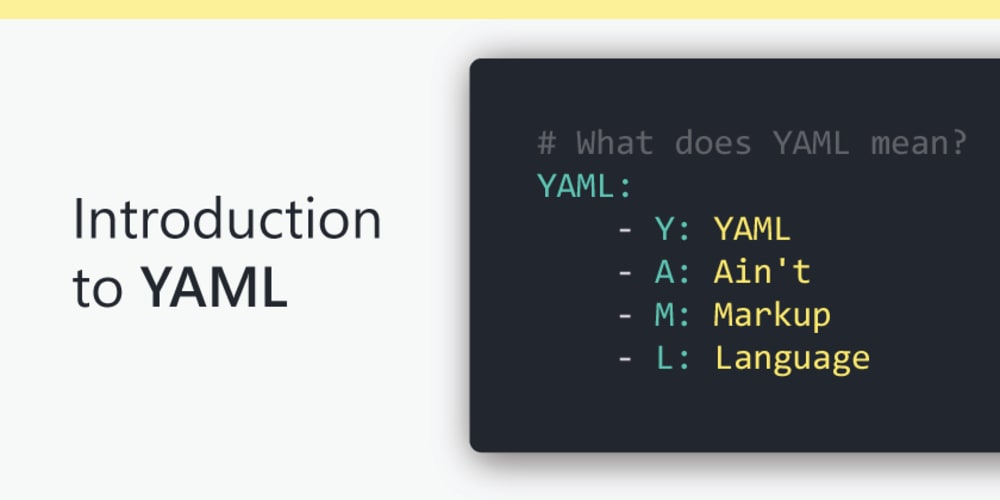
YAML has options that come back from Perl, C, XML, HTML, and alternative programming languages. YAML is additionally a superset of JSON, thus JSON files ar valid in YAML.
Ansible uses YAML for writing playbooks by default. Ansible does not support json format as YAML is easy to read and write with the human-readable data format. Ansible playbooks contain yaml code to play and automate the process.
YAML files are more readable than JSON, However processing JSON files are faster compared with YAML files.
JSON is more of a data agreement format used to send and receive between client and server systems. YAML is more of configuration storing data for different environments like QA, STAGE, and Production for deployments and build process


Thursday, December 15, 2022

Migrating Jenkins from one server to another: There are multiple approaches


1.      METHOD 1: Using Thin backup plugin:

First you will have to install this plugin in both your server

o   On Source Jenkins go to ThinBackup → Backup Now

o   Copy from Jenkins Source Backup directory to Jenkins Target Backup Directory

o   On Target Jenkins go to ThinBackup → Restore, and then restart Jenkins service.

o   If some Plugins or Jobs are missing, copy the backup content directly to the target JENKINS_HOME.

o   If you had user authentication on the source Jenkins, and now locked out on the target Jenkins, then edit Jenkins config.xml, set <useSecurity> to false, and restart Jenkins.


2.      METHOD 2: (copying JENKINS_HOME)

o   Make zip/Archive of JENKINS_HOME and upload it to your storage location from the current server and download it back from the new server and place it in the correct place or Extract the archive into the new JENKINS_HOME directory

o   If you have already mounted volumes in external directory then take a snapshot of source and attach a volume made of that snapshot to new server

o   Do not forget to change the owner of the new Jenkins files : chown -R jenkins:jenkins $JENKINS_HOME

o   JENKINS_HOME is by default located in ~/.jenkins on a Linux installation

o   Ref: rsync -av username@old-server-IP:/var/lib/jenkins/ /var/lib/jenkins/


3.      METHOD 3: By using Job imports plugin

o   You need to install job import plugin on the server where you need to import jobs to.Then go to the plugin displayed on left side of Jenkins.

o   Enter url and authentication and jobs will be listed of remote server.

Select the jobs to be copied and done. Jenkins will copy the jobs to your server.

Jenkins API

 For job migration:

  1. You can get the list of jobs installed on {SOURCE_JENKINS_URL} using a REST call, {SOURCE_JENKINS_URL}/view/All/api/json
  2. Then you can get each job config.xml file from the jobs on {SOURCE_JENKINS_URL} using the job URL {SOURCE_JENKINS_URL}/job/{JOB_NAME}.
  3. Use this config.xml file to POST the content of the XML file on {DESTINATION_JENKINS_URL} and that will create a job on {DESTINATION_JENKINS_URL}.

For plugin migration:

  1. GET request: {SOURCE_JENKINS_SERVER}/pluginManager/api/json?depth=1 will get you the list of plugins installed with their version.
  2. You can send a POST request with the following parameters to install these plugins.

final_url=`{DESTINATION_JENKINS_SERVER}/pluginManager/installNecessaryPlugins`

data=`<jenkins><install plugin="{PLUGIN_NAME}@latest"/></jenkins>` (where, latest will fetch the latest version of the plugin_name)

auth=`(destination_jenkins_username, destination_jenkins_password)`

header=`{crumb_field:crumb_value,"Content-Type":"application/xml”}` (where crumb_field=Jenkins-Crumb and get crumb value using API call {DESTINATION_JENKINS_SERVER}/crumbIssuer/api/json

Saturday, November 19, 2022

FAQ of Atlassian marketplace

  1.  https://www.atlassian.com/licensing/marketplace
  2. https://community.atlassian.com/t5/Jira-Software/ct-p/jira-software


Check filter option:

https://jira.atlassian.com/projects/JSWCLOUD/issues/JSWCLOUD-20994?filter=doneissues

Monday, November 7, 2022

Twitter Handle

https://twitter.com/tuplegola/status/1589569258652323841?s=20&t=m1KWAkMVAV1T27_mmVlNLQ